
Colors
Introduction
Our brand is a colorful one!
Inspired by the beautiful iridescent feathers from the starling, our palette is made of warm, earthy tones. Besides our core palette, the highlight of our color system is the Starling gradient a few sections below.
For more inspiration on how to use color, check out our brand in action section.
Core Palette
Scarlet50
Scarlet300
Scarlet400
Minsk500
Minsk700
Scarlet950
Extended Palette
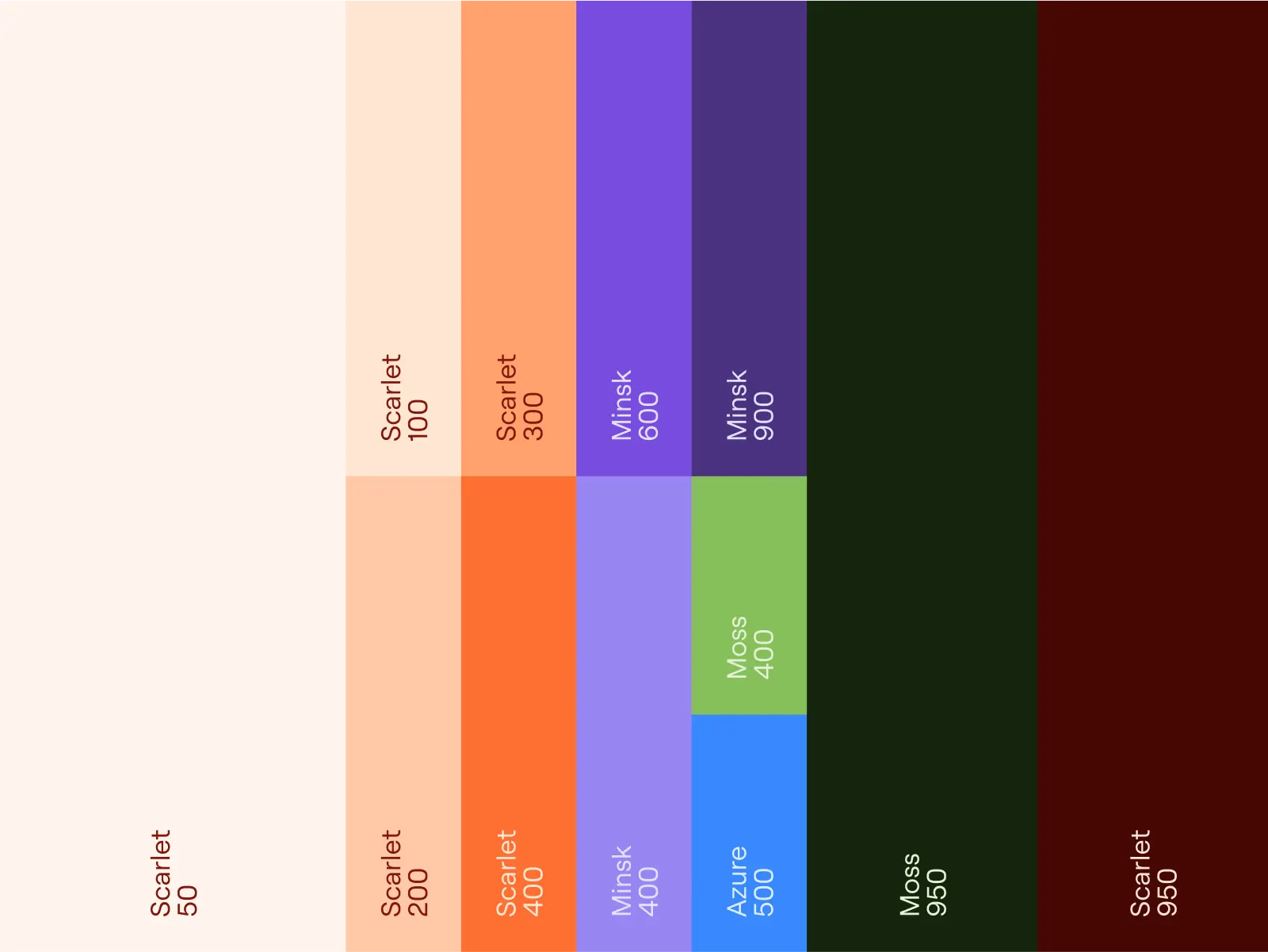
To ensure consistency when developing illustrations and other graphical content, the extended palette offers tonal variations of the core palette. These colors can be used freely, but should respect the proportions provided below.
These colors can also be combined with the core palette for the creation of gradients.
Minsk
50
100
200
300
400
500
600
700
800
900
950
Azure
50
100
200
300
400
500
600
700
800
900
950
Moss
50
100
200
300
400
500
600
700
800
900
950
Scarlet
50
100
200
300
400
500
600
700
800
900
950
Saffron
50
100
200
300
400
500
600
700
800
900
950
Pine
50
100
200
300
400
500
600
700
800
900
950
Usage Proportions
Gradients
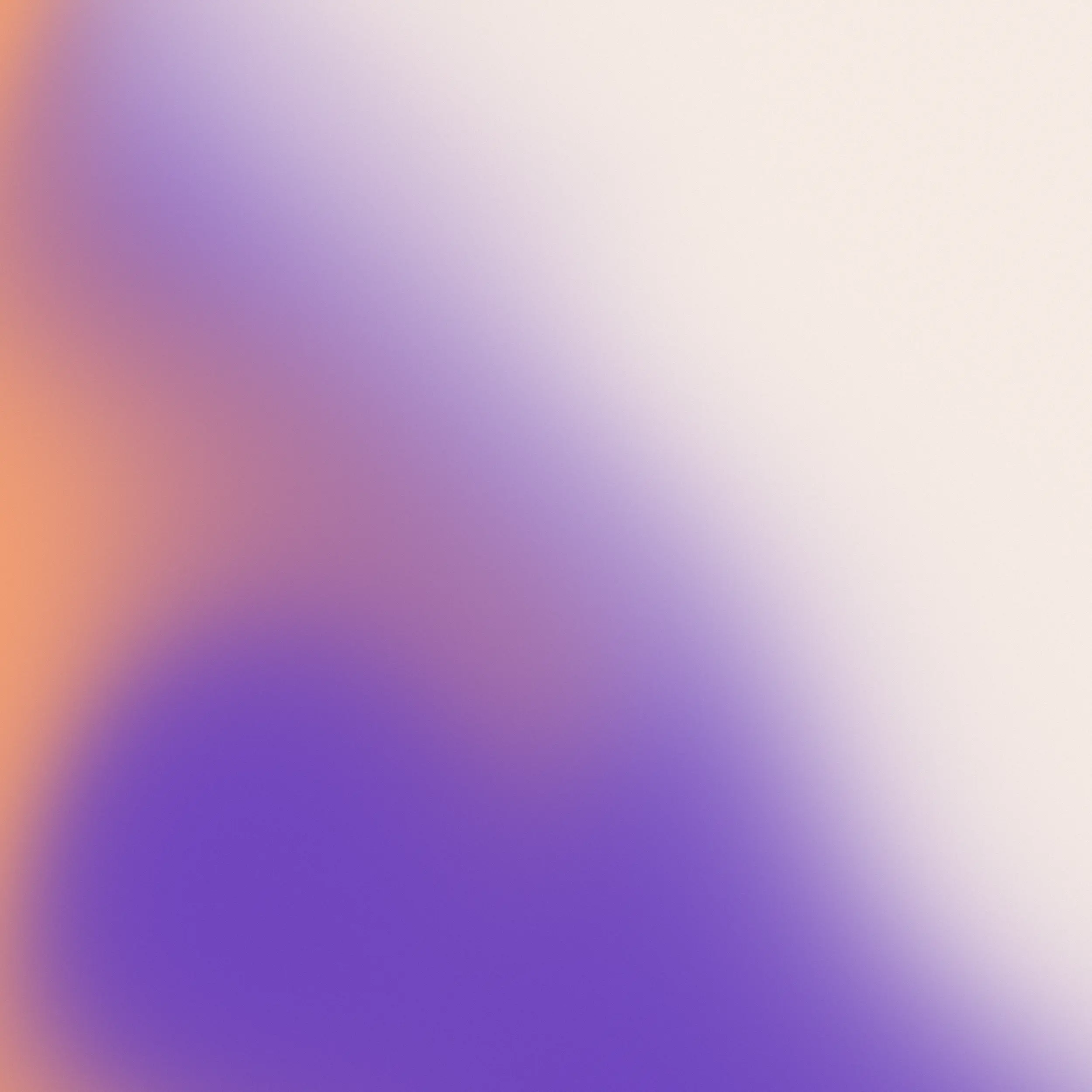
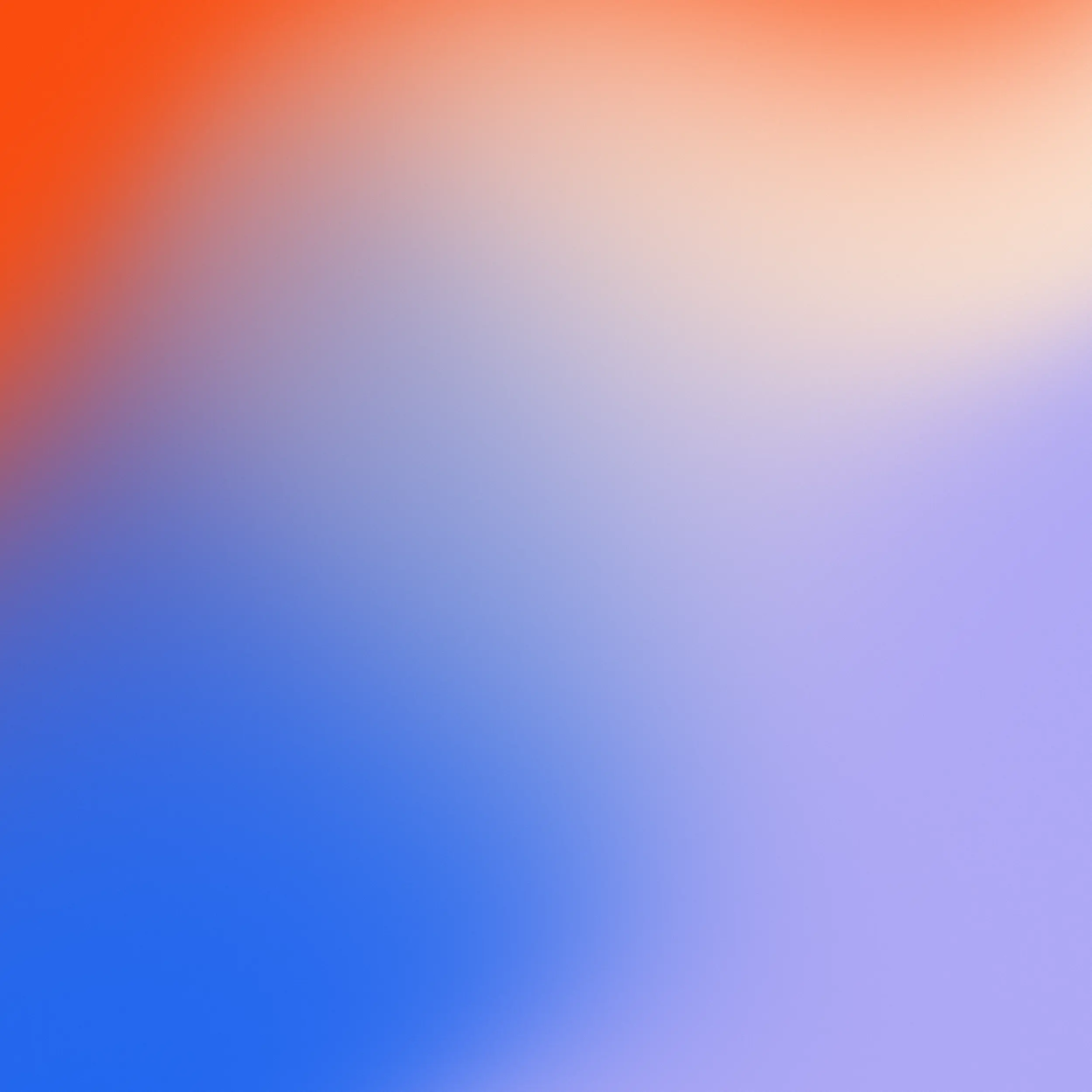
These are our Starling gradients, inspired by the fluid shape of murmurations that European Starlings are famous for.
These gradients are an integral asset of our identity, and we use them everywhere - in our brand mark, in backgrounds, in our app icons, and even as accent elements in more complex compositions.
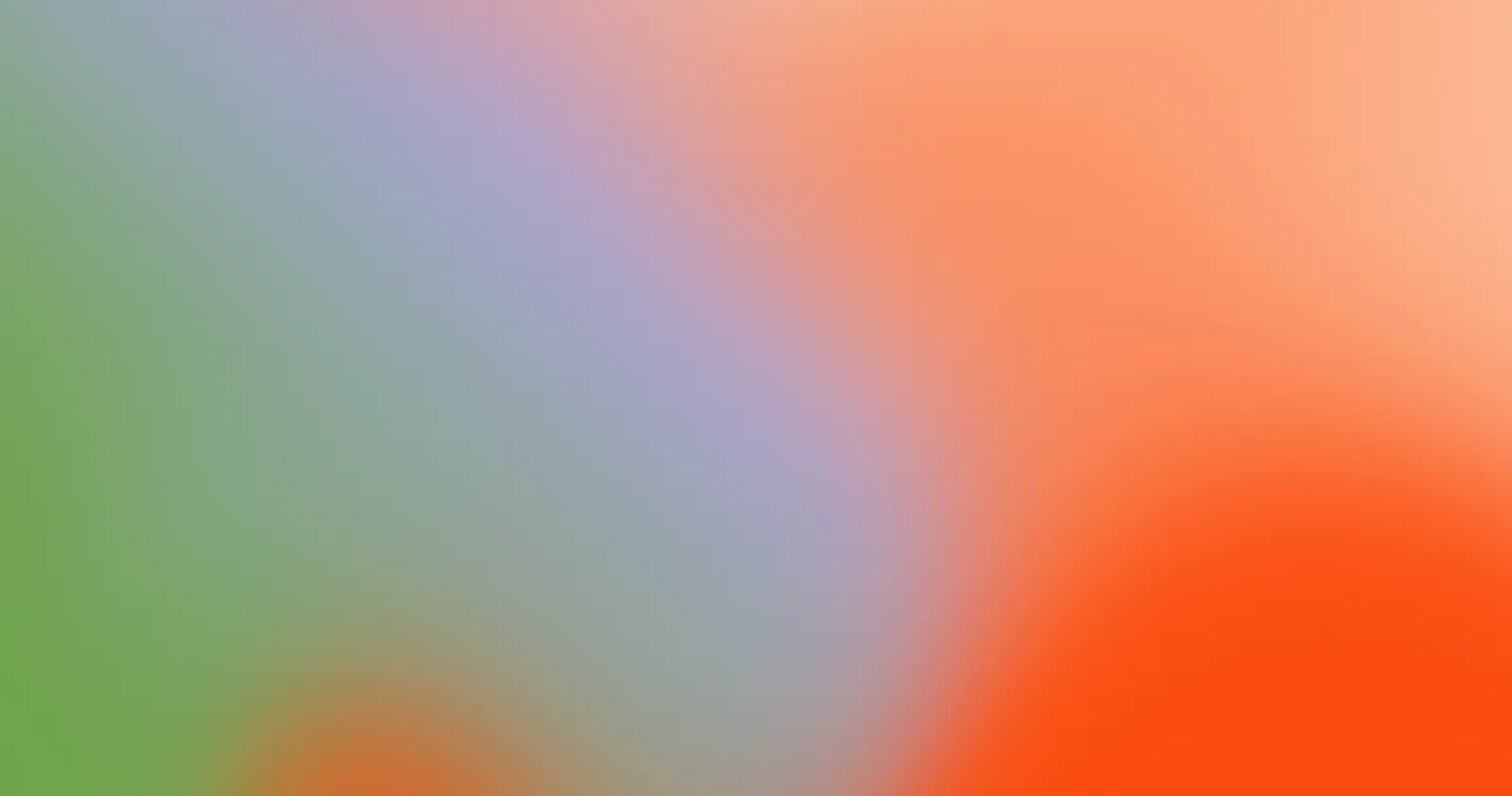
We provide you with a set of pre-made gradients, but for more flexibility, you can create your own by using the gradient generator below, or any other tool of your preference.
Minsk & Scarlet
Minsk, Scarlet & Azure
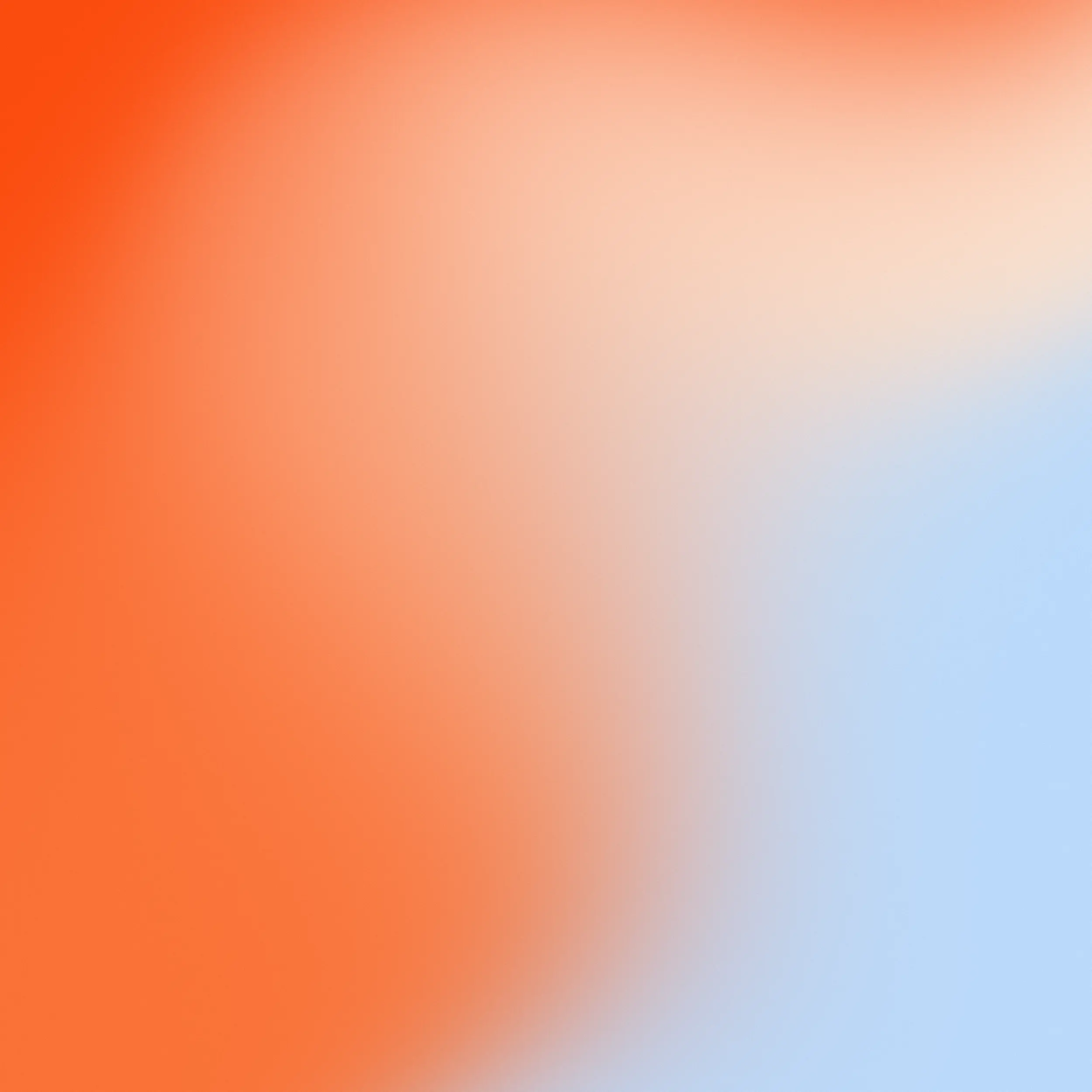
Scarlet & Azure
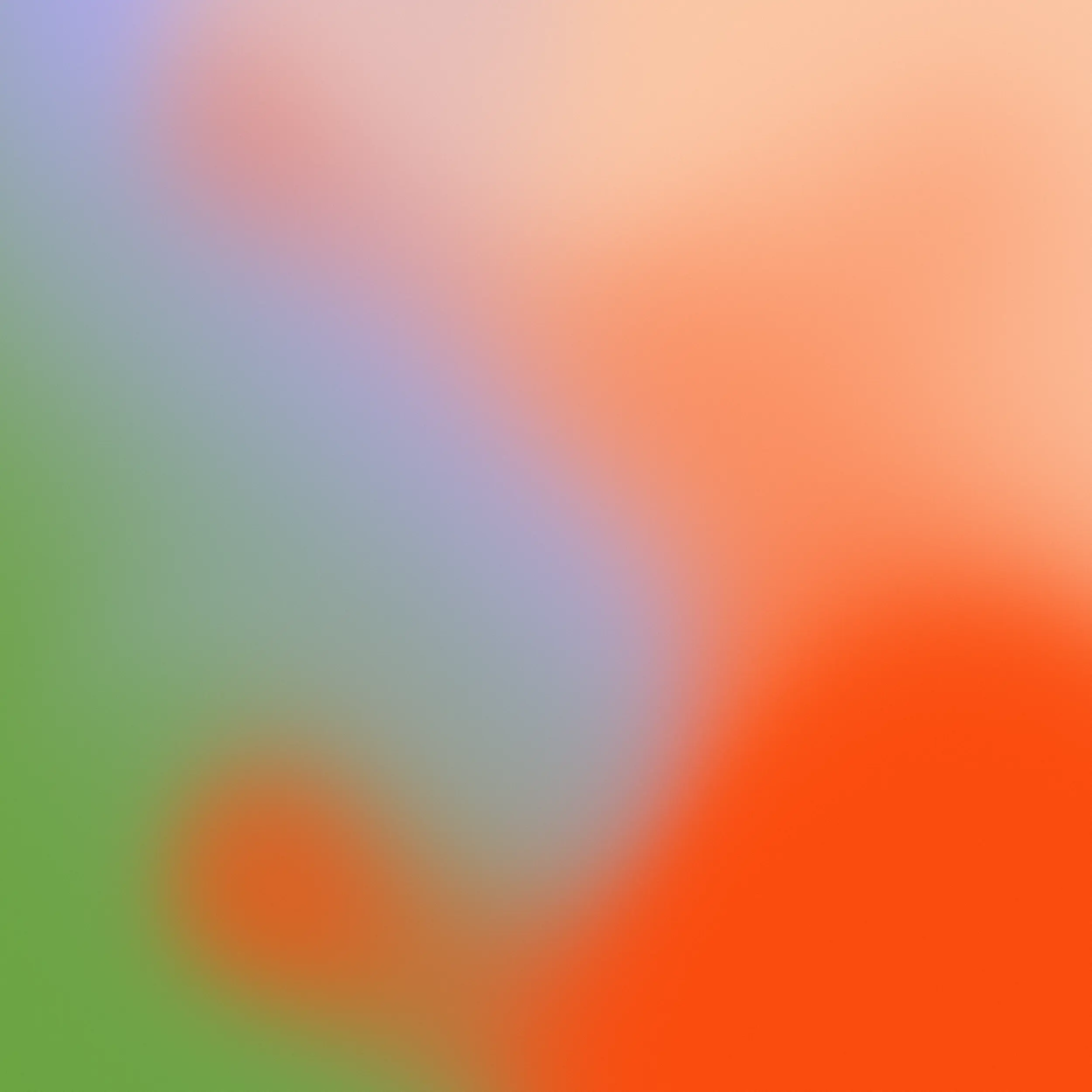
Minsk, Scarlet & Moss

Scarlet
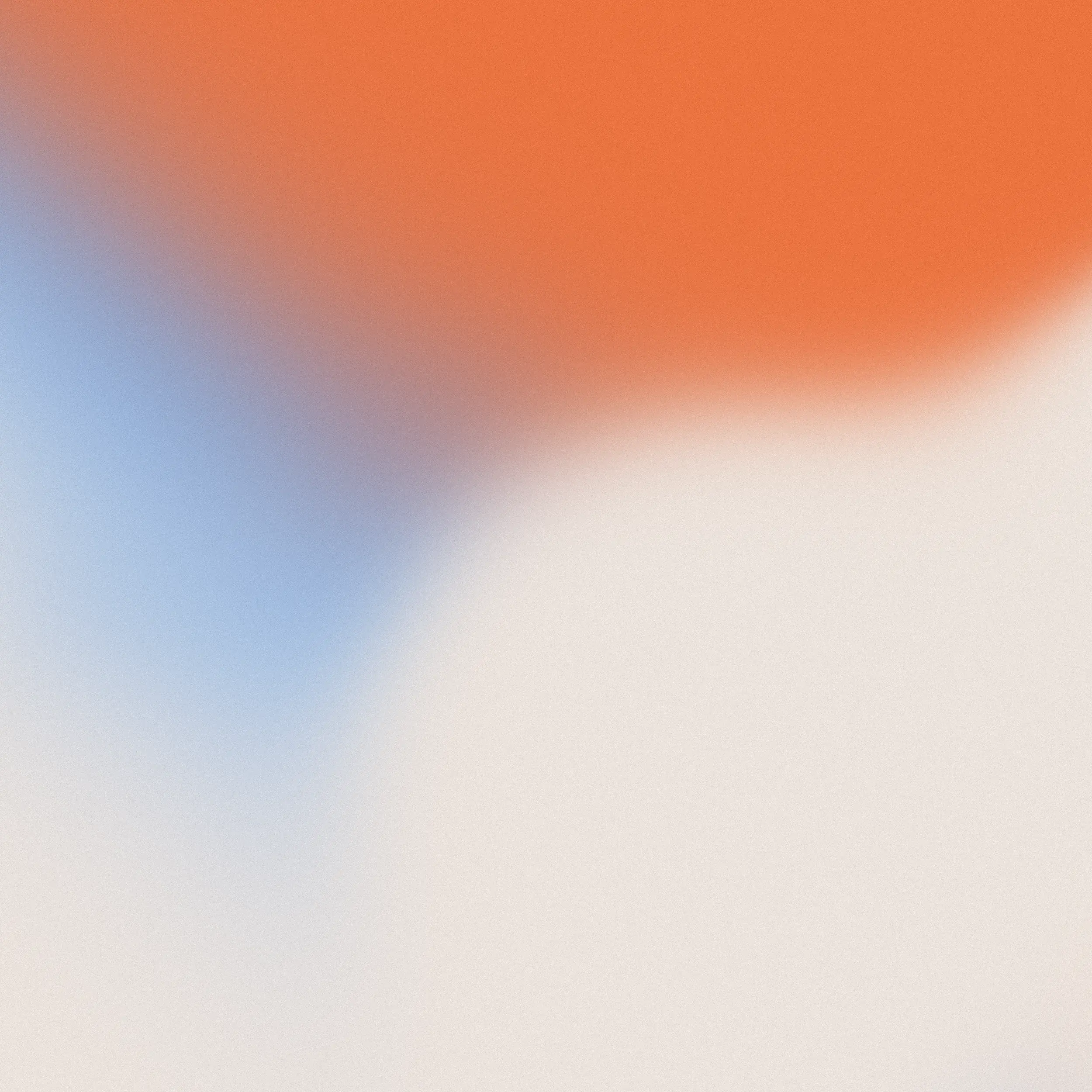
Azure & Scarlet
Gradient Generator
You can use any tool to generate starling gradients as long as you follow the appropriate guidelines, but a reliable and practical way is through photogradient.com.
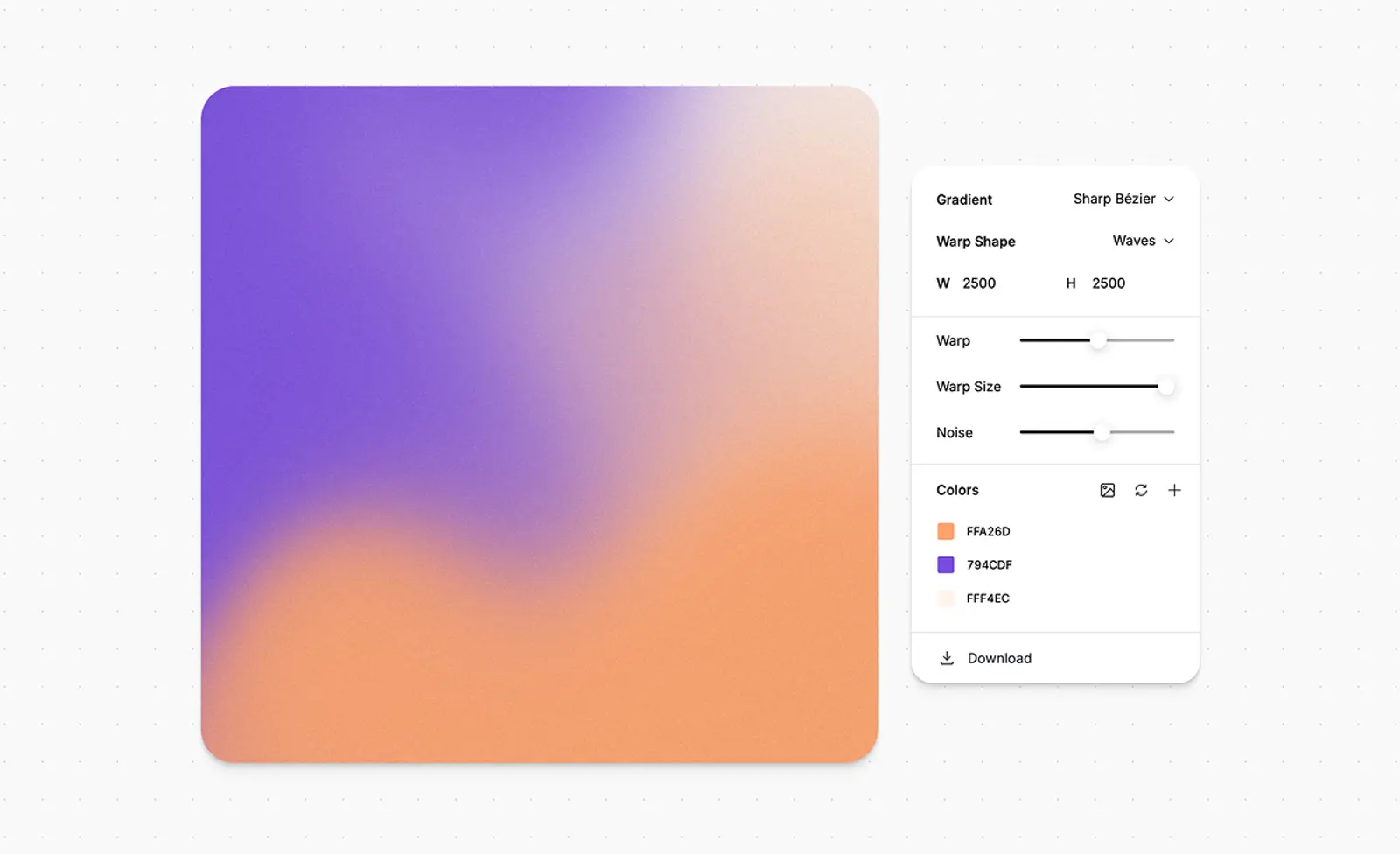
Start by setting your preferred width and height. Set Gradient mode to Sharp Bézier and Warp Shape to Waves. Use colors from the core and extended palette, adjust Warp, Warp Size, Noise, and move the color points freely until you get your desired result.